Join the Community
Get the free Gang Stalking Evidence Checklist, plus every guide, video and resource in the Training Vault.
Join the CommunityBy Lance The PI
Six phones. Three computers. Full resets. New phone numbers. Then a new house.
And at the new place, the same problems came back. That’s what a member of our community who goes by Jaime C. went through, and you can read Jaime’s full story here.
I broke it down on video the way I’d work a case. Watch it below, then use the steps in this article to check your own situation.
What Jaime Did Right
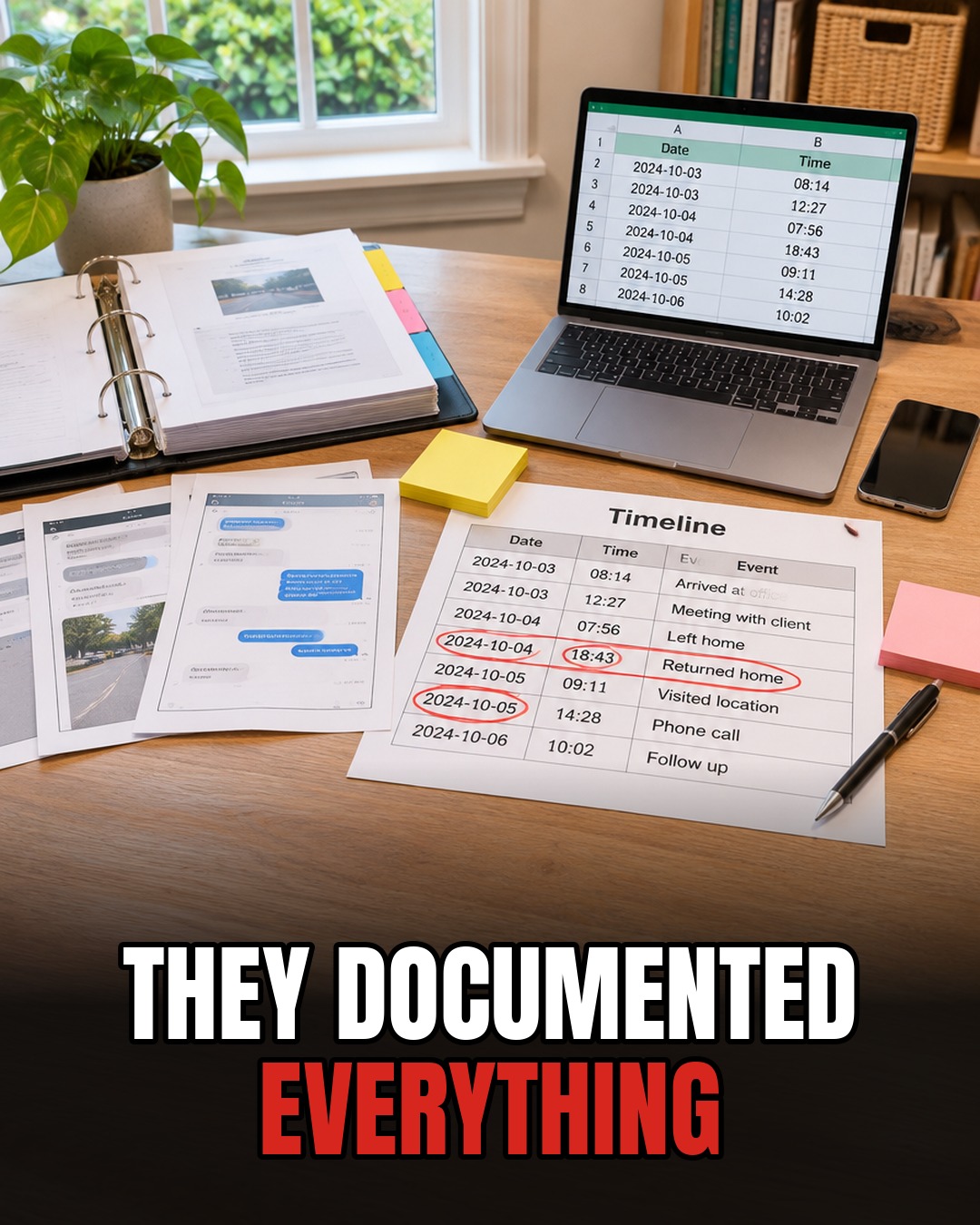
Most people I hear from have a feeling. Jaime has data. Over more than a year, Jaime saved:
- App Privacy Reports
- iPhone diagnostic packages
- Crash and analytics logs
- Wi-Fi scans
- Screenshots from the phone’s field-test mode
- Traceroutes and network tests
- Account records, photos, videos and timestamps
All of it went into a timeline with hundreds of entries. And Jaime said something every targeted individual should hear: this deserves “not automatic validation, and not automatic dismissal.” That’s exactly how an investigator thinks.
Step 1: Find What Moved With You
New phone. New computer. New house. Same problems. So ask the question I’d ask on any case: what didn’t change?
For most people, it’s the account and the backup. Your Apple ID, your Google account, your email, your password manager. When you set up a new phone from your last backup, you’re not starting over. You’re moving your old settings, apps and account sessions onto new hardware. If the problem lives there, it rides along to every new device.
- Check what’s signed in. On an iPhone, open Settings, tap your name and scroll to the list of devices. On Google, look in the security section of your account. Screenshot the list before you change anything.
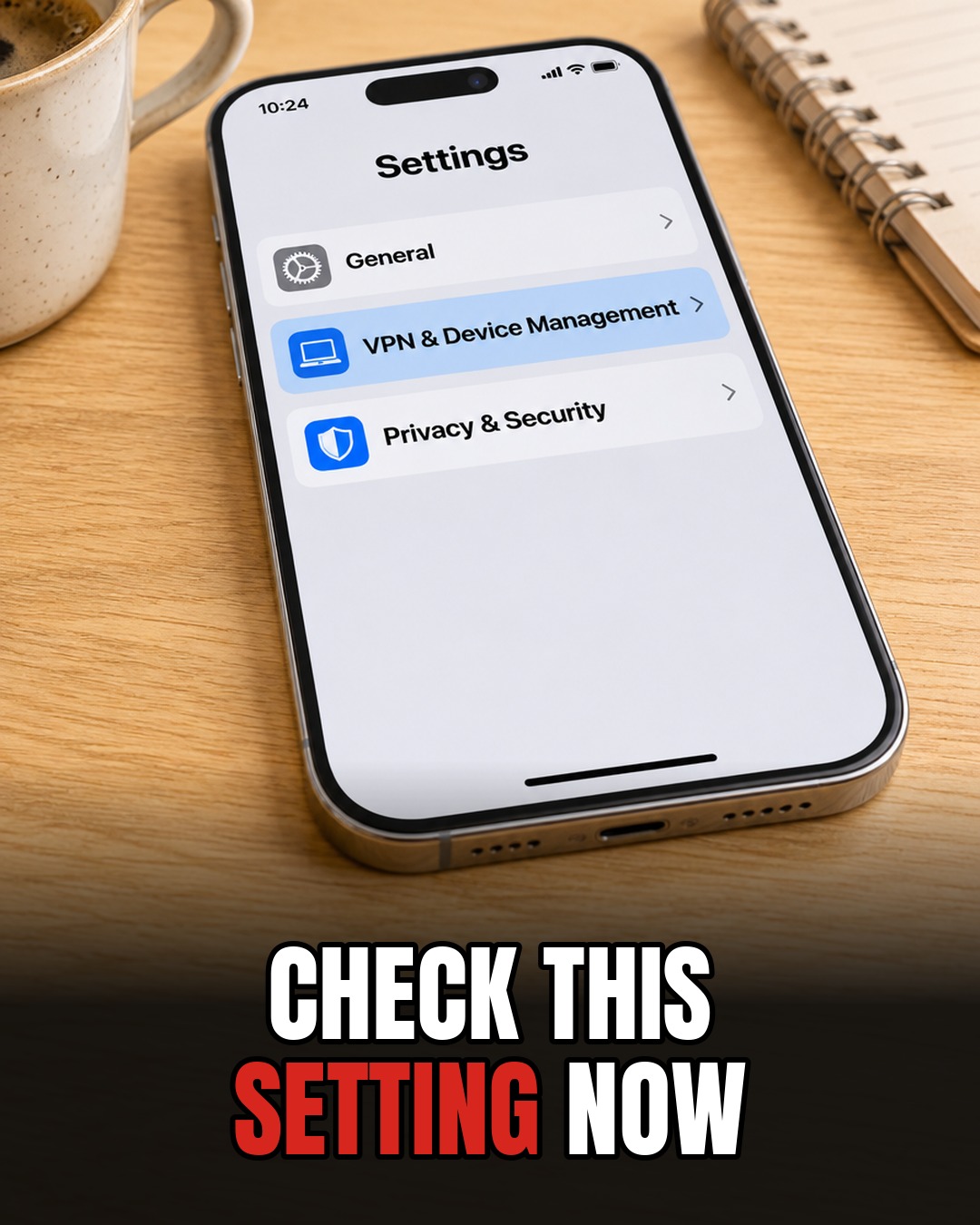
- Check for profiles. On an iPhone, go to Settings, then General, then VPN & Device Management. Most personal phones have nothing there. If something’s there that you didn’t install, screenshot it. Don’t delete it yet.
- Set the next device up as new. Not from a backup. Change your account password from a different, clean device and turn on two-factor. Then watch.
If the problems stop, you’ve learned where they were living. If they come back on a phone that was never restored from your backup, that’s information too.
Step 2: Get a Control Phone
Cell signals act strange all the time. Towers hand you off. Signals drop. Networks you’ve never heard of show up on a Wi-Fi scan in every apartment building in America. So a field-test screenshot by itself doesn’t tell you much. It needs something to compare against.
Get a cheap prepaid phone. Never sign it into your accounts. Never connect it to your email. Keep it right next to your main phone.
- Both phones act up at the same moment? The problem is probably the location or the network.
- Only your phone acts up? The problem is probably your device or your account.
A strong log entry looks like this: Tuesday, 9:40 PM, kitchen. Main phone drops to no service. Control phone, sitting right next to it, holds full bars. Write down which one it was, every time.
Step 3: Protect Your Originals
I spent 25 years as a private investigator, and before that I was a police officer for 10 years. I know what happens when evidence can’t show where it’s been. It gets questioned, and then it gets set aside.
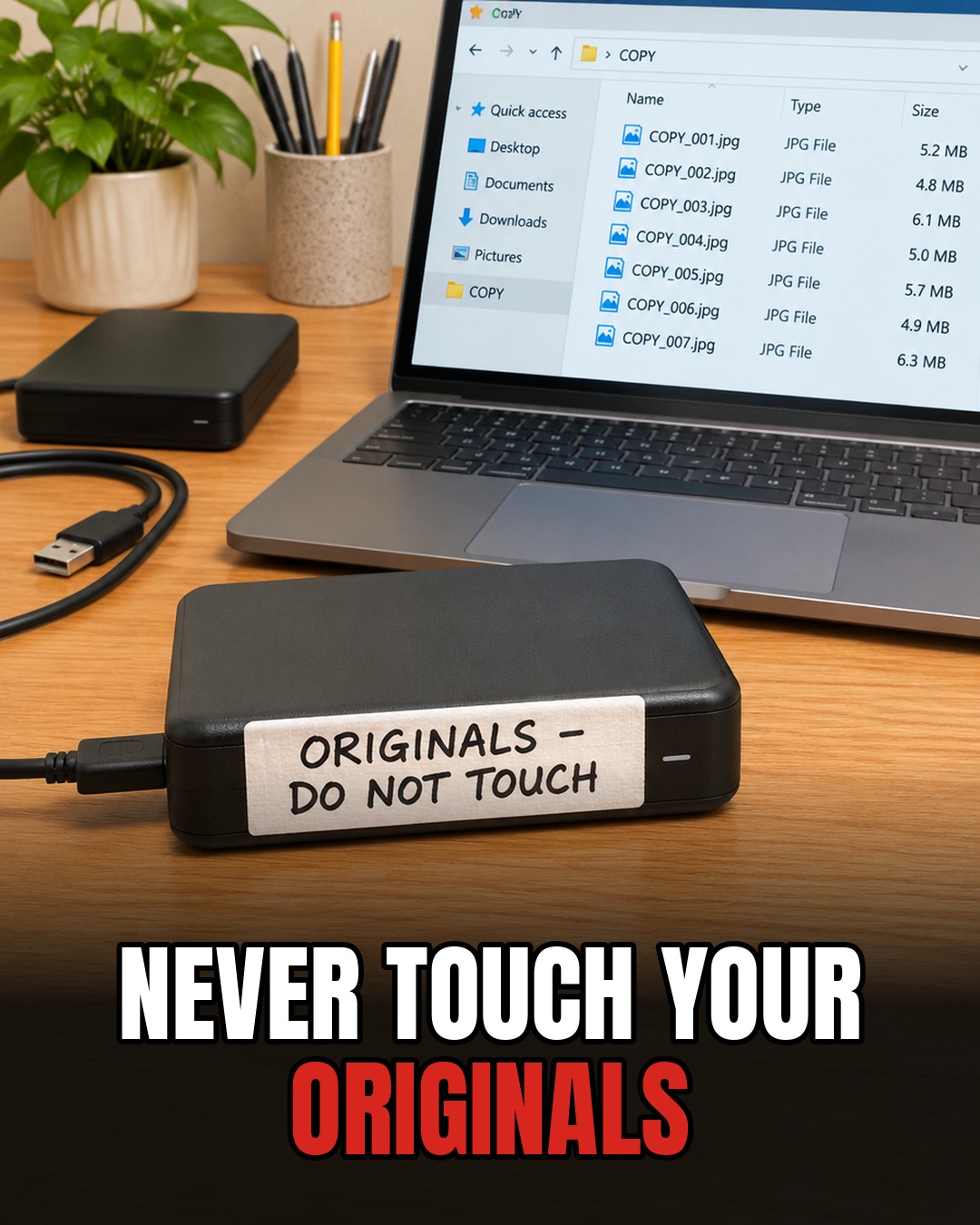
- Keep the original files untouched.
- Put copies on a separate drive, and only ever work from the copies.
- Make a simple list for every file: file name, the date you collected it, the file size and its hash. A hash is a long string of letters and numbers that works like a fingerprint for that exact file. Change one character and the fingerprint changes. A Mac can make one in Terminal, and Windows has a built-in command for it too.
Now nobody can say you edited your own evidence.
Step 4: Export the App Privacy Report Every Week
On an iPhone, the App Privacy Report shows which apps used your camera, microphone and location, and which websites they reached out to. It only covers about the last seven days, so most people open it only when something already feels wrong. By then they have nothing to compare it to.
Export it every week, on the same day, even the weeks that feel normal. Especially those. The normal weeks are your baseline, and without a baseline, a strange week is just a feeling.
Step 5: Turn Hundreds of Entries Into One Page
Hundreds of entries is a lot of work, and I respect it. But nobody you hand it to is going to read hundreds of entries. Not a detective, not an attorney, not an examiner.
Keep the full timeline. Then build one page on top of it: the 10 to 15 best-supported events, each one tied to a raw file you can hand over. Date, what happened, and which file proves it.

A weak entry says, “My phone was acting weird all week.” A strong entry says, “March 12, 2:15 PM, the microphone was used by an app I hadn’t opened. App Privacy Report export attached.” One can be checked. The other can only be believed or not believed. Build your page from the ones that can be checked.
Step 6: Get an Independent Review
Have an independent digital forensics examiner review the raw data. Give them the files and the question. Don’t give them your conclusion, or you’ll never know if they found it or just agreed with you.
To keep the cost down, ask them to review your one page and the files behind it, not everything. Look for a real forensics certification, not just someone who fixes phones. And before you pay anybody, ask three questions:
- What tools will you use?
- Will I get a written report?
- Will you tell me if you find nothing?
If they won’t answer that last one straight, keep looking. A report that says what was ruled out narrows the search too.
What to Stop Doing
- Stop resetting devices before you’ve exported and saved what’s on them. Every reset erases something you might need later.
- Stop restoring every new phone from the same old backup until you’ve tested it.
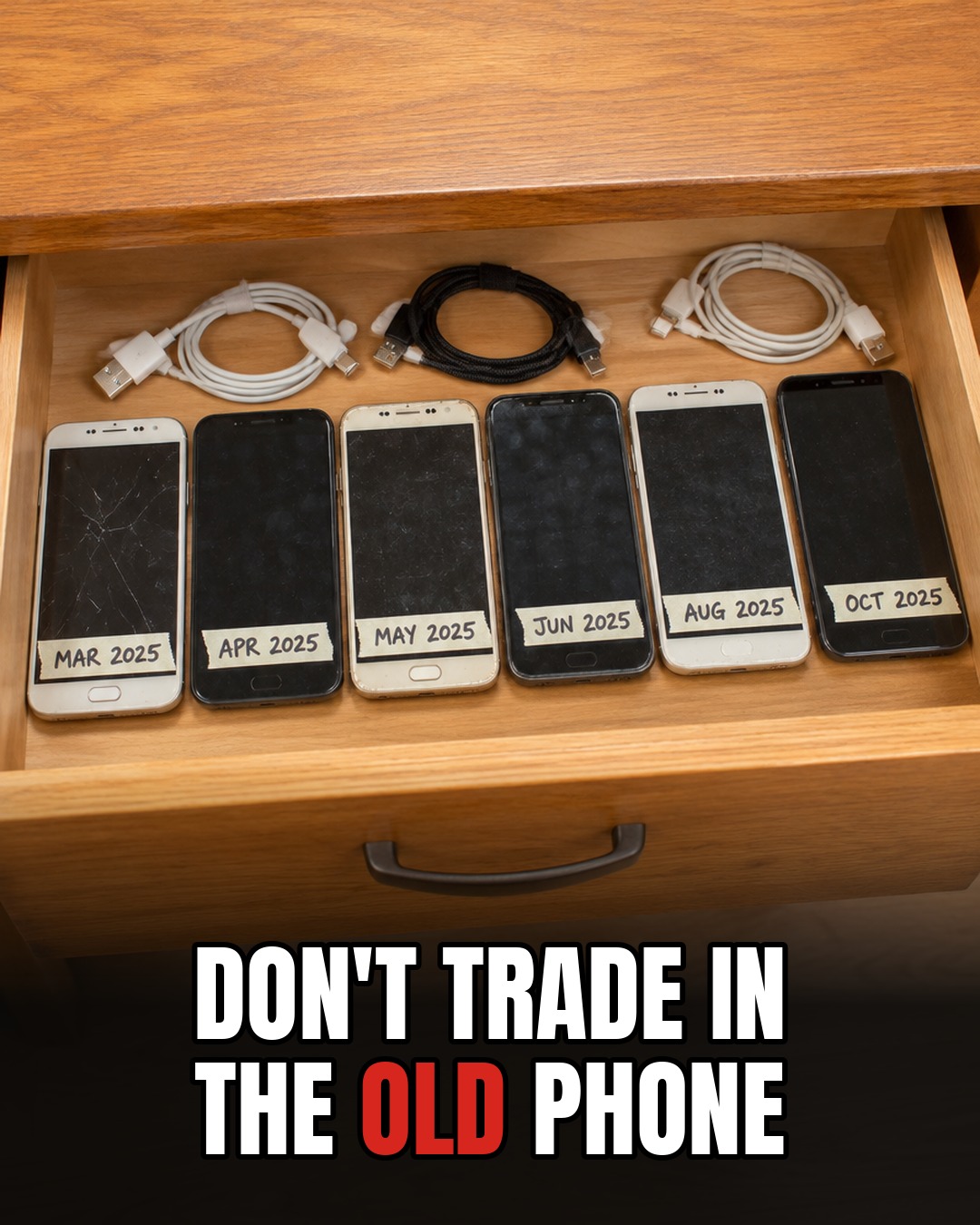
- Stop trading in old phones. Don’t factory reset them. Put them in a drawer with the date you stopped using each one.
- Stop doing your analysis inside your original files.
- Stop making big decisions, like another move, before the review is done.
- Don’t go looking for a confrontation. Document, don’t engage.
The Bottom Line
None of these signs alone proves anything. A crash is a crash. A dropped signal is a dropped signal. What turns it into something is a pattern, tested against a control and checked by someone who doesn’t already have an answer.
Jaime has the pattern. What’s needed now is the test. Find what moved with you. Compare it to a clean phone. Protect your originals.
Living something like this? Share your story here. Screen names only.
Start Documenting Today
Get the free Gang Stalking Evidence Checklist and join the community for full access to every guide, video and resource.
Join the Community